SilverGentsJoin free

Support

Help Center

Find answers to your questions and get the support you need

Getting started

How do I join?

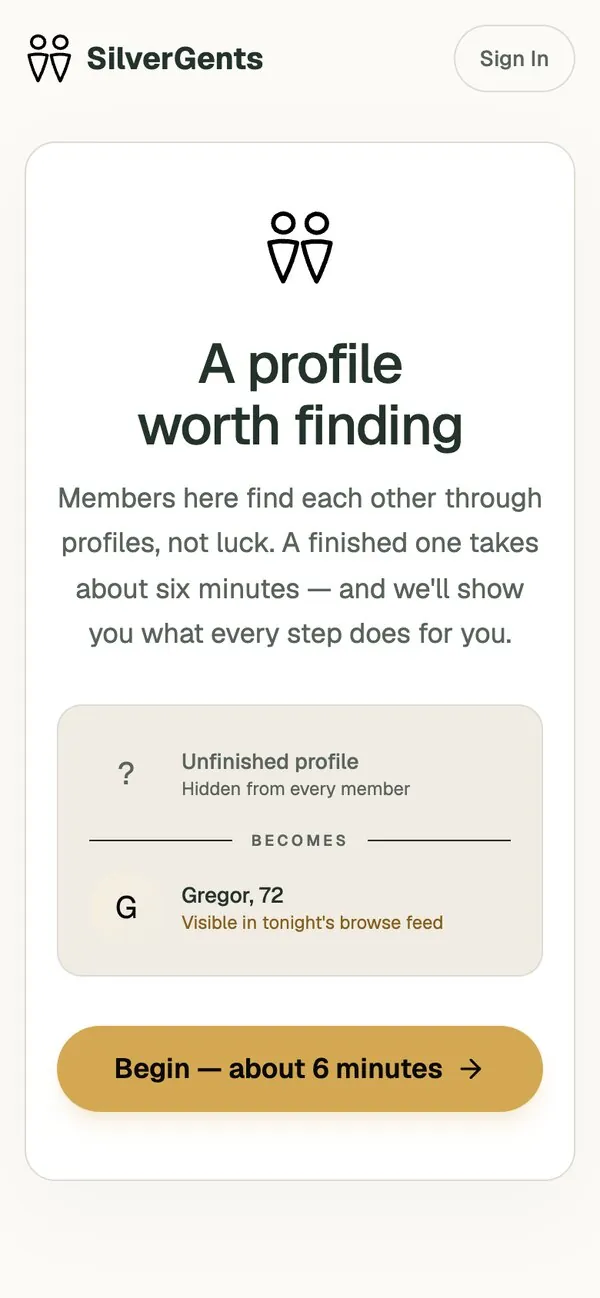
Start at Get started on the website. Sign up with your email, or with Google or Facebook. Ten short steps follow: a photo, your birthday, a few words about you. A writing aid can draft your story from the words you pick, and you edit it before it is saved.

  • Website

What does it cost to join?

Nothing. Creating an account and everything on the SilverGents website are free for every member, and there is no payment step in signing up.

  • Website

What makes a great profile?

Great profiles have clear, recent photos that show your face and personality. Write an authentic bio that highlights your interests and what you're looking for. Be specific about your hobbies - it gives others conversation starters!

  • Website
  • iPhone
  • Android

What does “Verified” mean?

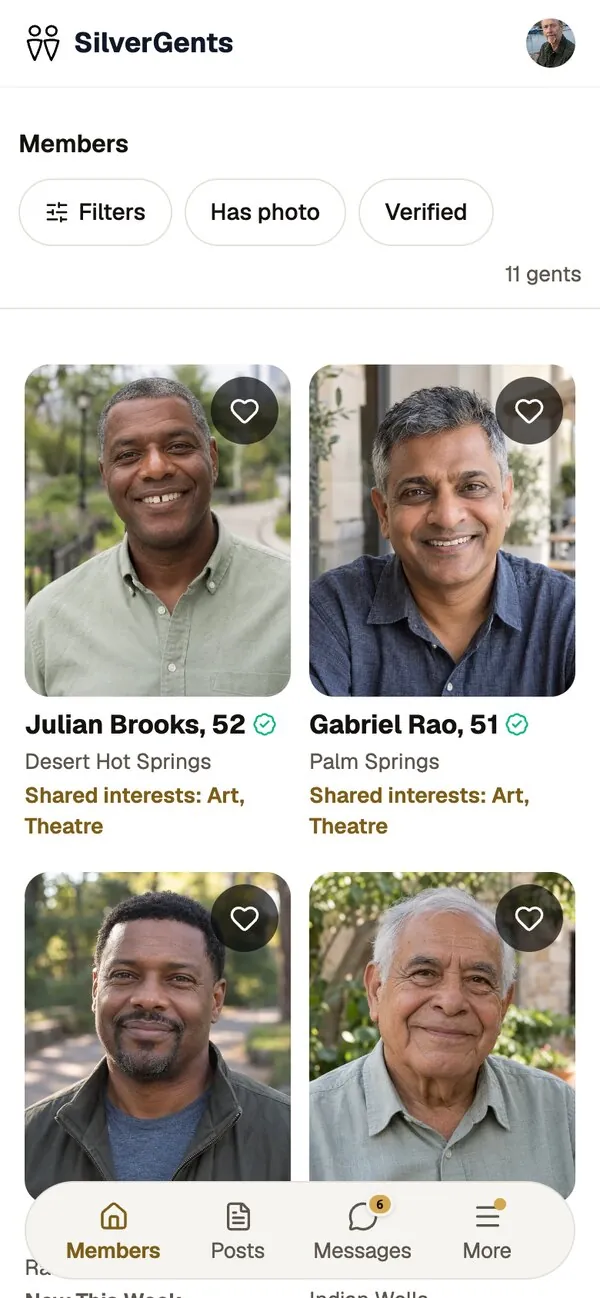
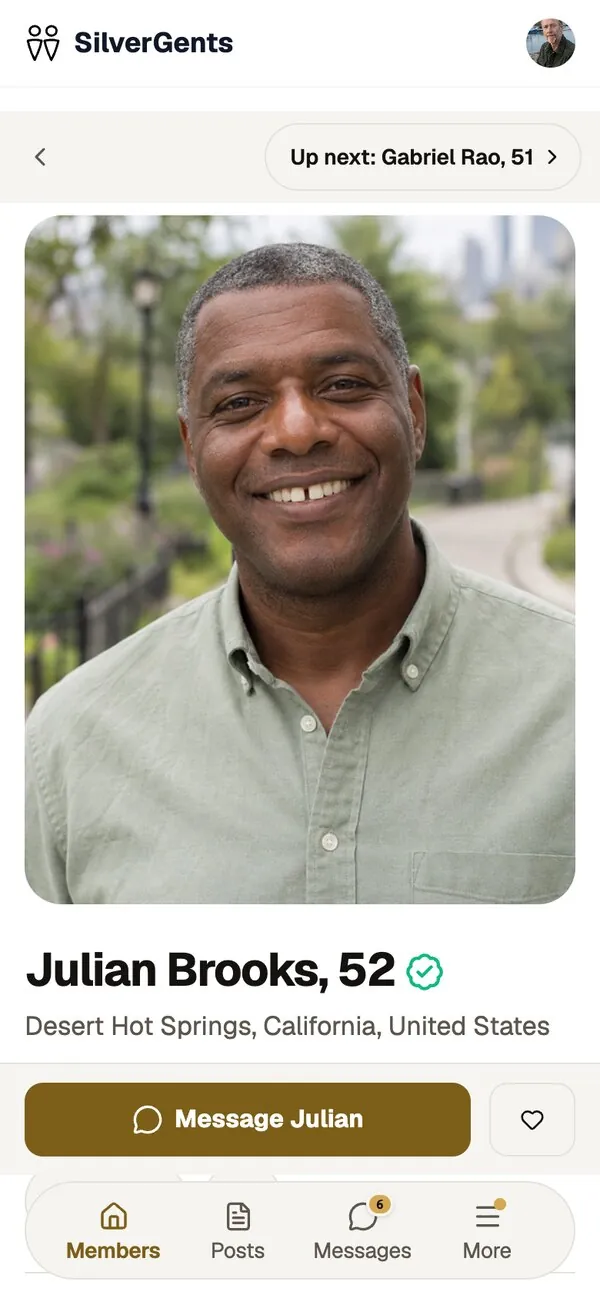
A Verified mark means the member has confirmed his email address. We do not check selfies or identity documents. In Members on the website you can choose to see only Verified members.

  • Website

Finding members

How do I find members?

Members shows who is here and what you share with each man. On the website, narrow the list by age, distance, city, language, interests or who is online now. In the apps, by age, distance and who is online now.

  • Website
  • iPhone
  • Android

What happens when I favorite someone?

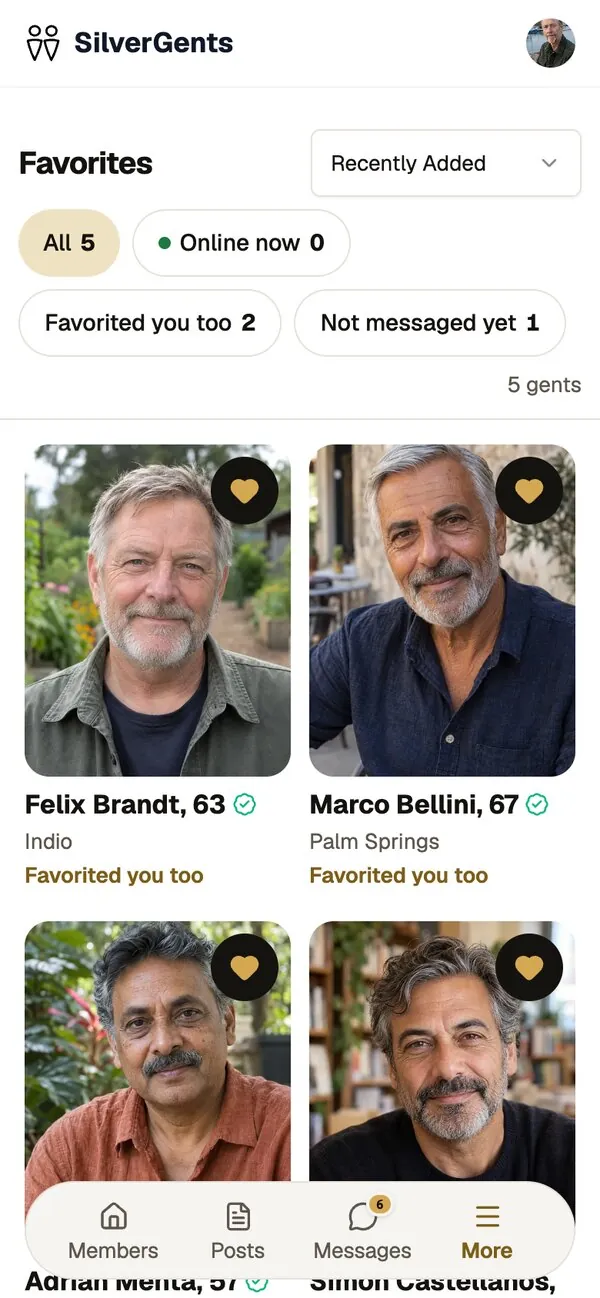
He is saved to your Favorites, and he is told that you favorited him. On the website you can also see who viewed your profile and who favorited you. In the apps, the men you favorite are under Me, in Saved members.

  • Website
  • iPhone
  • Android

What are Explore and the Social Compass?

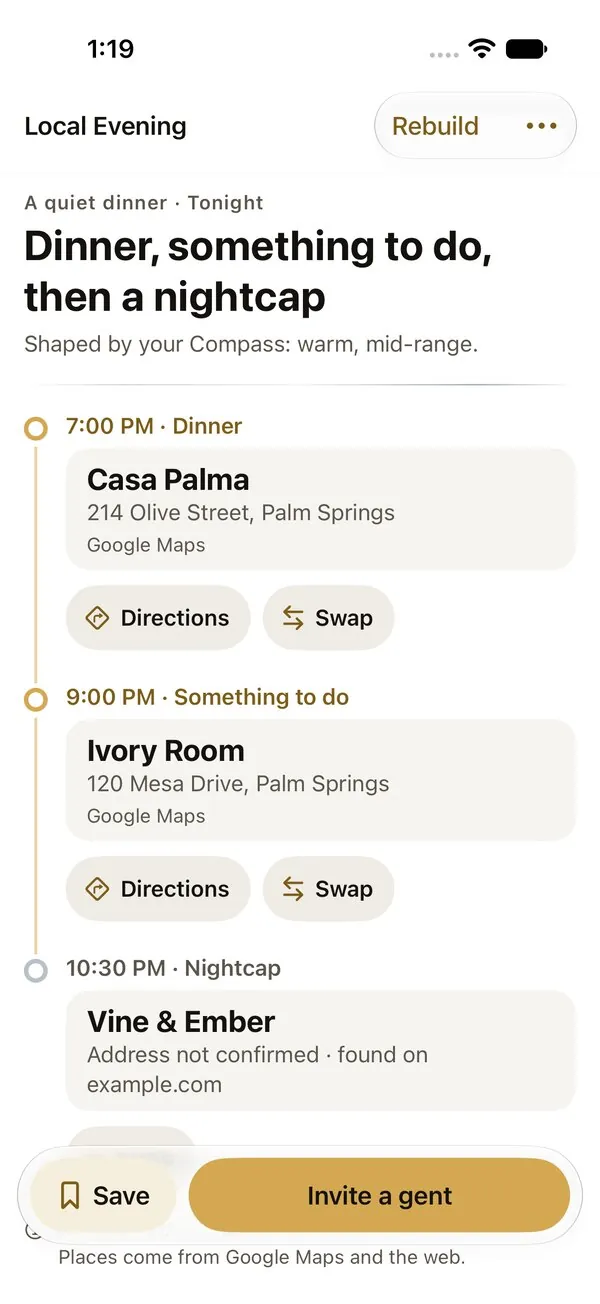
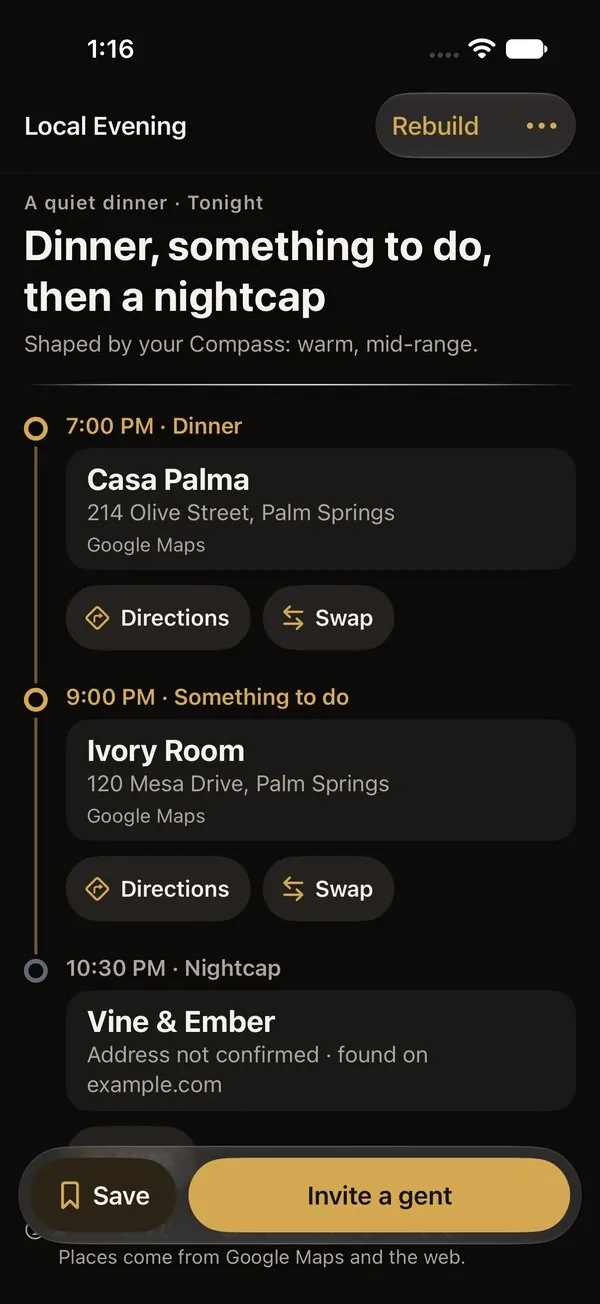
They are in the iPhone and Android apps. Explore asks what would make tonight good, then lays out an evening in your city: three stops in order, each with a time. The Social Compass is seven private questions that shape those plans. Plans suggest places and times. They do not make reservations.

  • iPhone
  • Android

Messages

What can I send in a message?

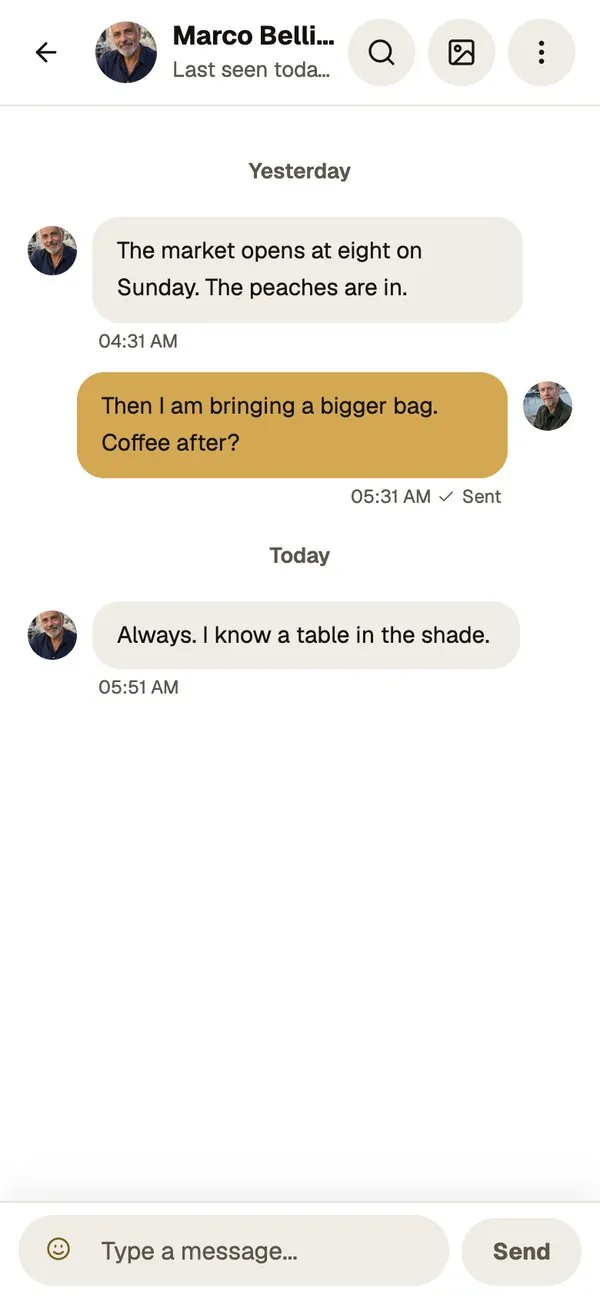
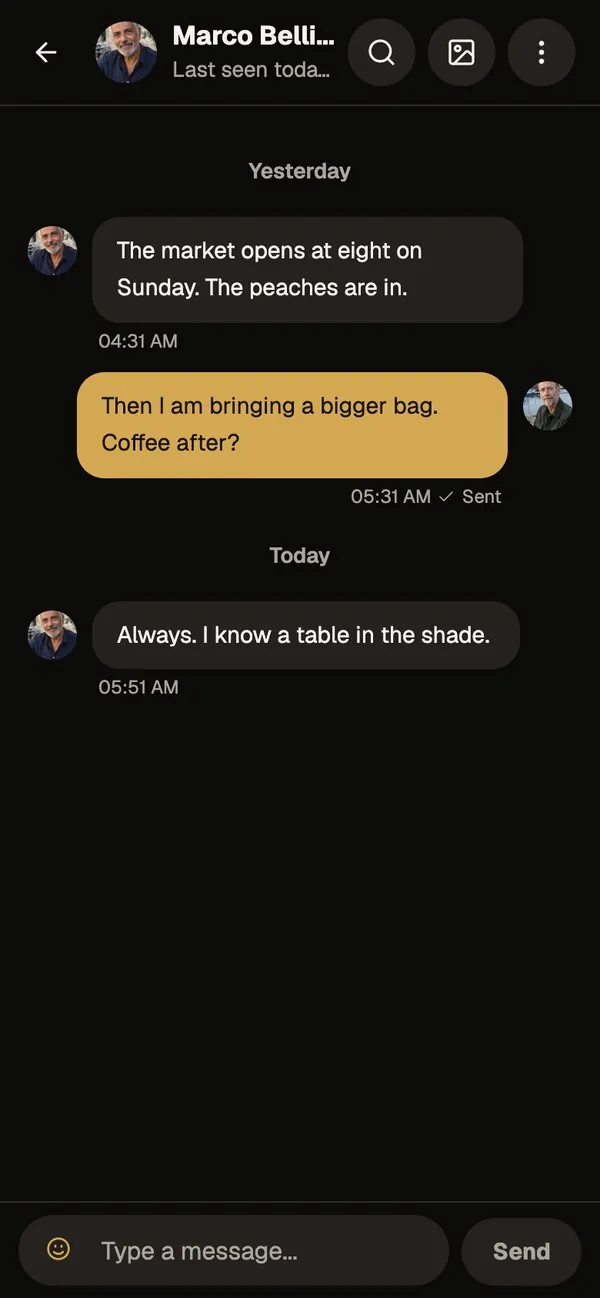
Text. Messages are text only on the website and in both apps: no photos, voice notes or video calls. You can see when he is typing and when he has read your message. In the apps you can send a plan as an invitation.

  • Website
  • iPhone
  • Android

Can I mute or archive a conversation?

On the website and on iPhone you can mute a conversation or archive it. On Android you can mute it.

  • Website
  • iPhone
  • Android

Safety and privacy

How do I choose what others see?

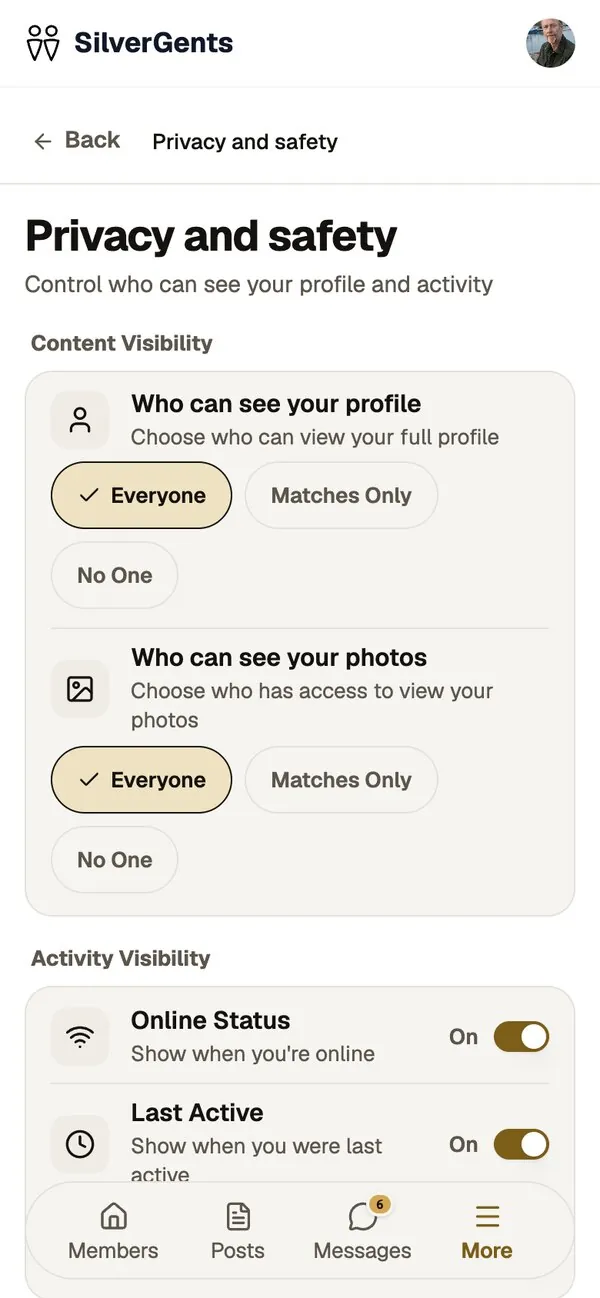
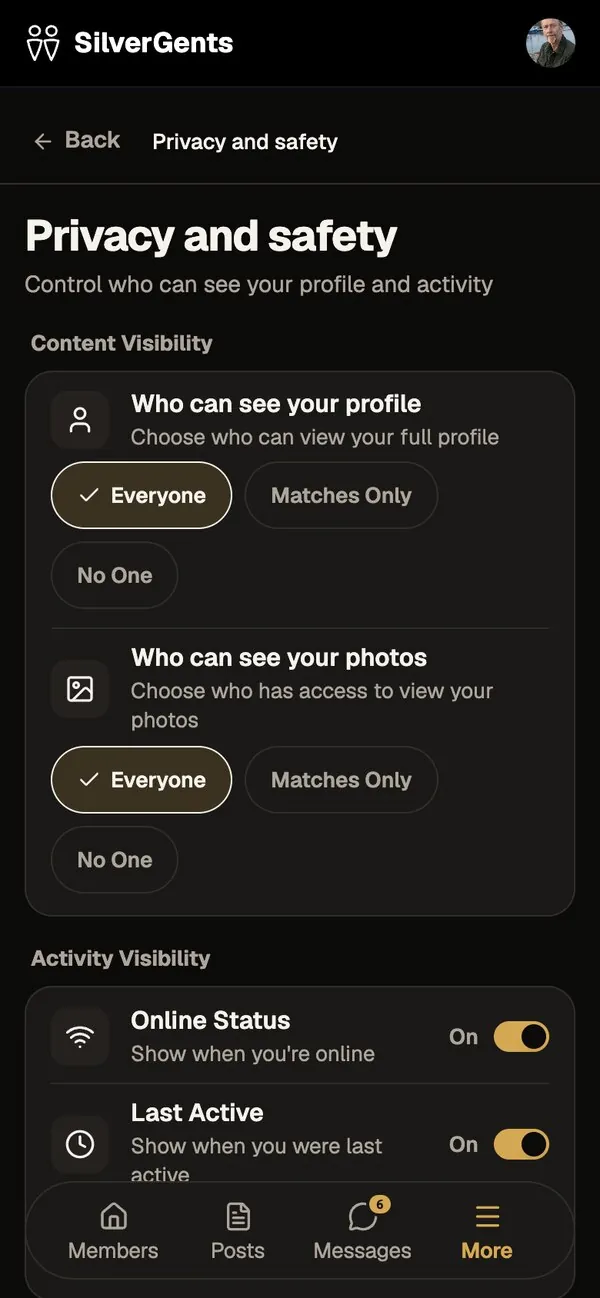
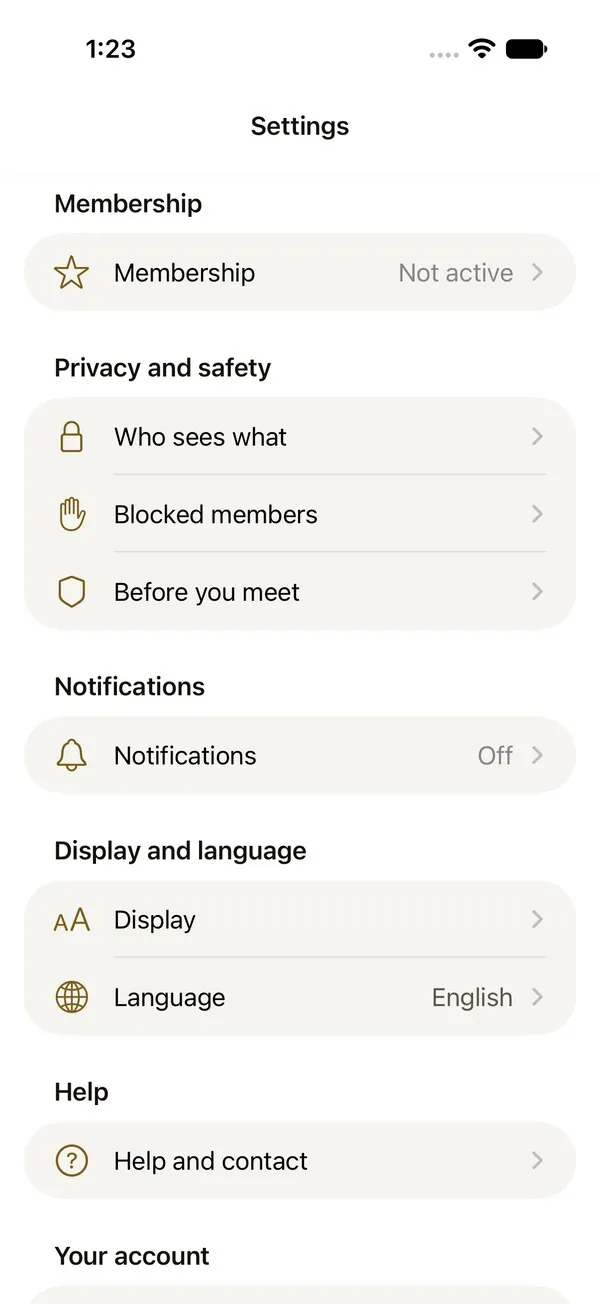
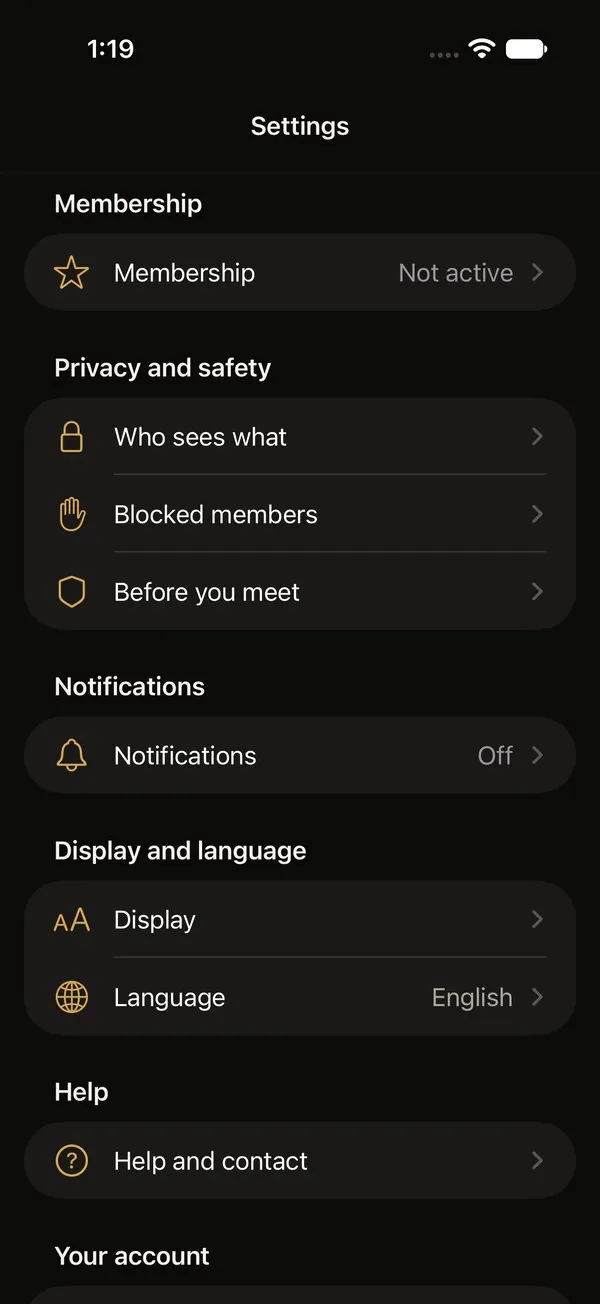
On the website, Settings › Privacy lets you choose who sees your profile, and hide your online status, when you were last active, your age and your distance. In the apps, Who sees what has a switch for your age, your city, when you are online and your Compass badge.

  • Website
  • iPhone
  • Android

How do I report a member?

On the website, open his page, press the three dots and choose Report. You can hide or mute him there too. In the apps, Report and Block are on his profile.

  • Website
  • iPhone
  • Android

What are your safety tips for meeting in person?

Always meet in public places, tell a friend your plans, keep your phone charged, and trust your instincts.

  • Website
  • iPhone
  • Android

How do I turn on two-factor sign-in?

On the website, Settings › Account security has two-factor authentication. Once it is on, signing in asks for the 6-digit code from your authenticator app.

  • Website

How do I delete my account?

On the website, go to Settings › Account and choose Delete. You confirm by typing your email address. In the apps, Delete my account is in Settings.

  • Website
  • iPhone
  • Android

Reading and notifications

How do I make the text larger?

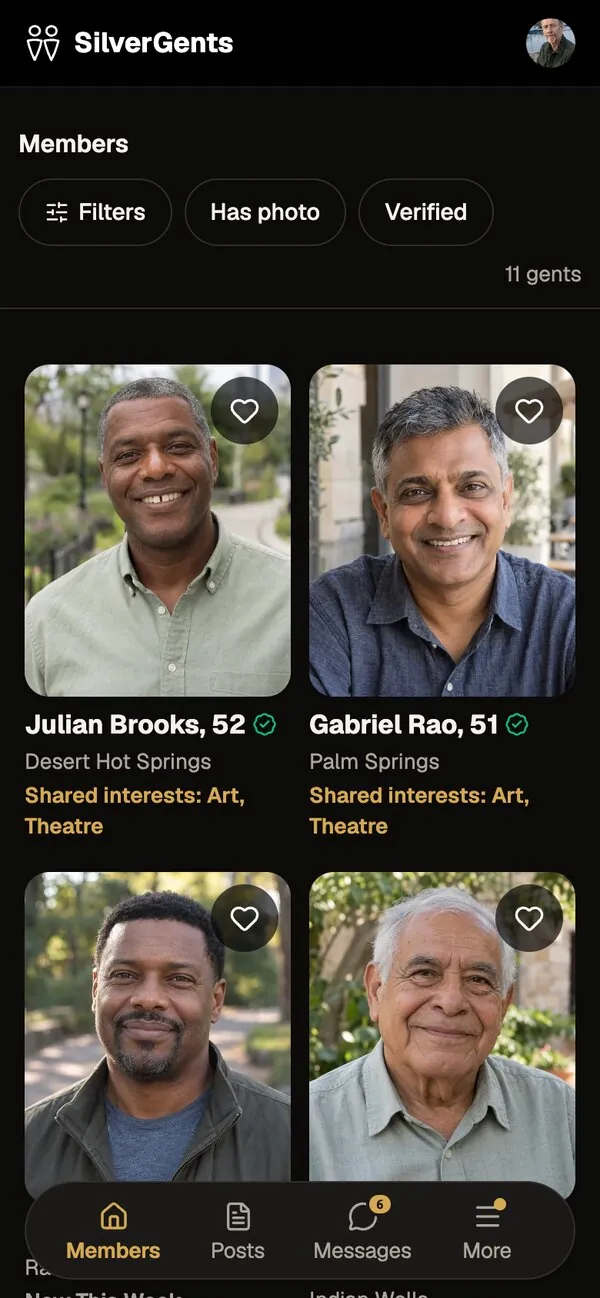
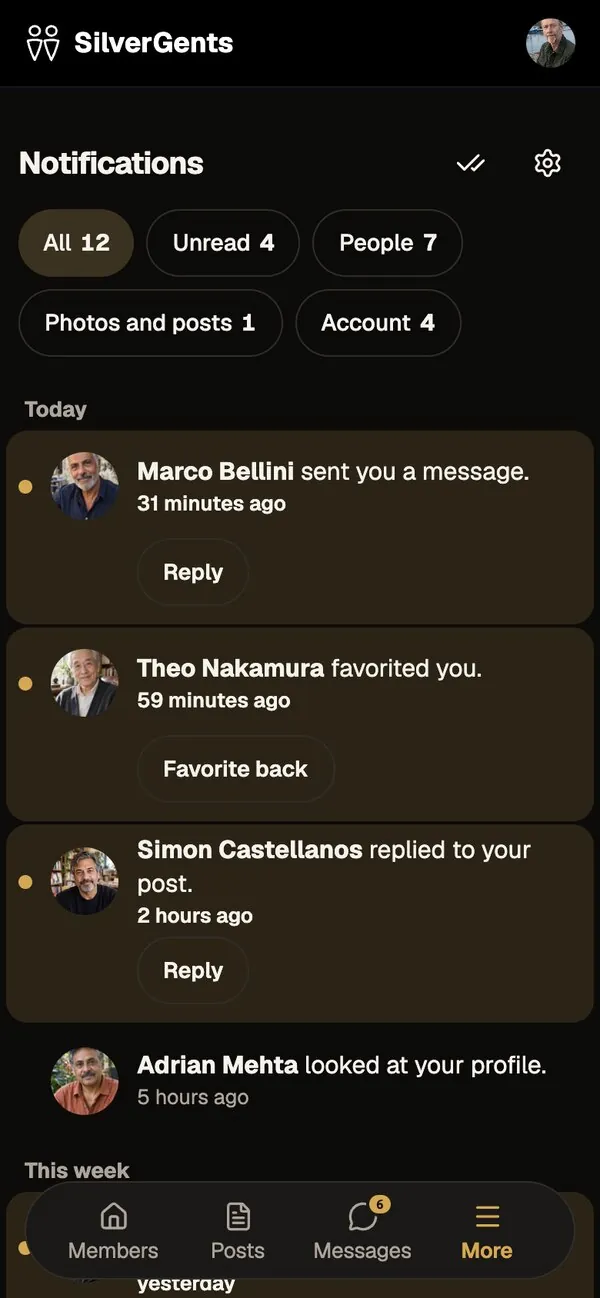
On the website, Settings › Display has four text sizes, light and dark, and a high-contrast switch. The apps follow your phone's own text size.

  • Website
  • iPhone
  • Android

Which languages does SilverGents speak?

The website speaks 12 languages. The iPhone app speaks English, Spanish, French, German and Brazilian Portuguese. The Android app is in English.

  • Website
  • iPhone
  • Android

How do notifications work?

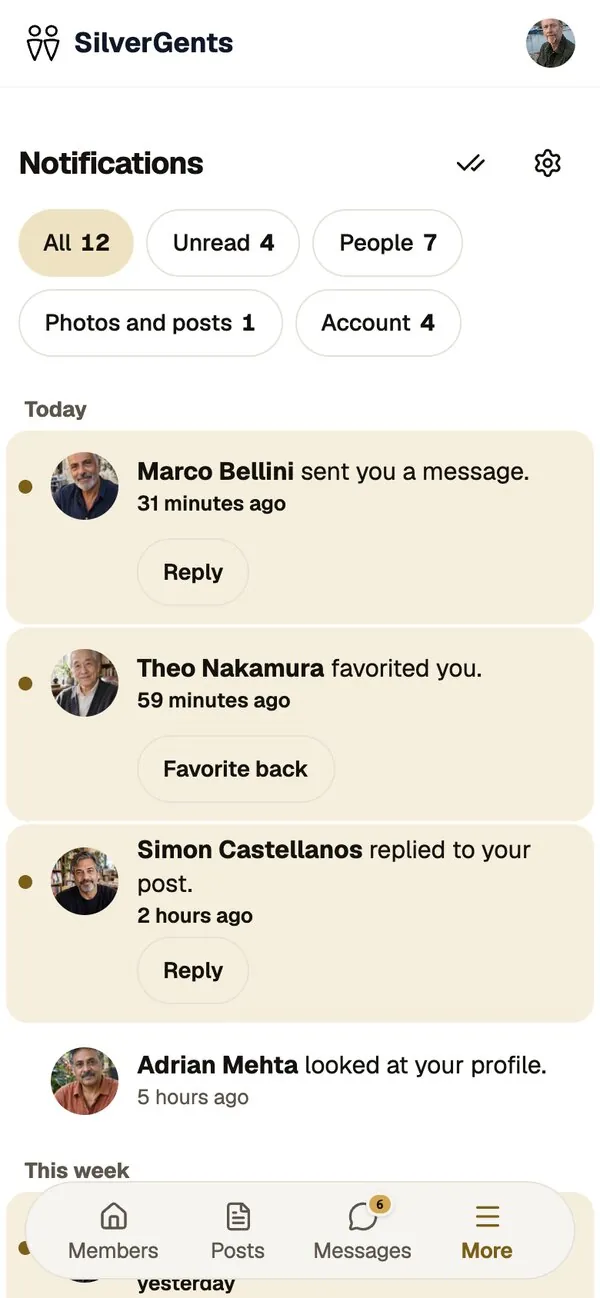
The website keeps one list of what has happened. In Settings › Notifications you choose which emails you get, and you can set quiet hours.

  • Website

Membership

Where are memberships bought?

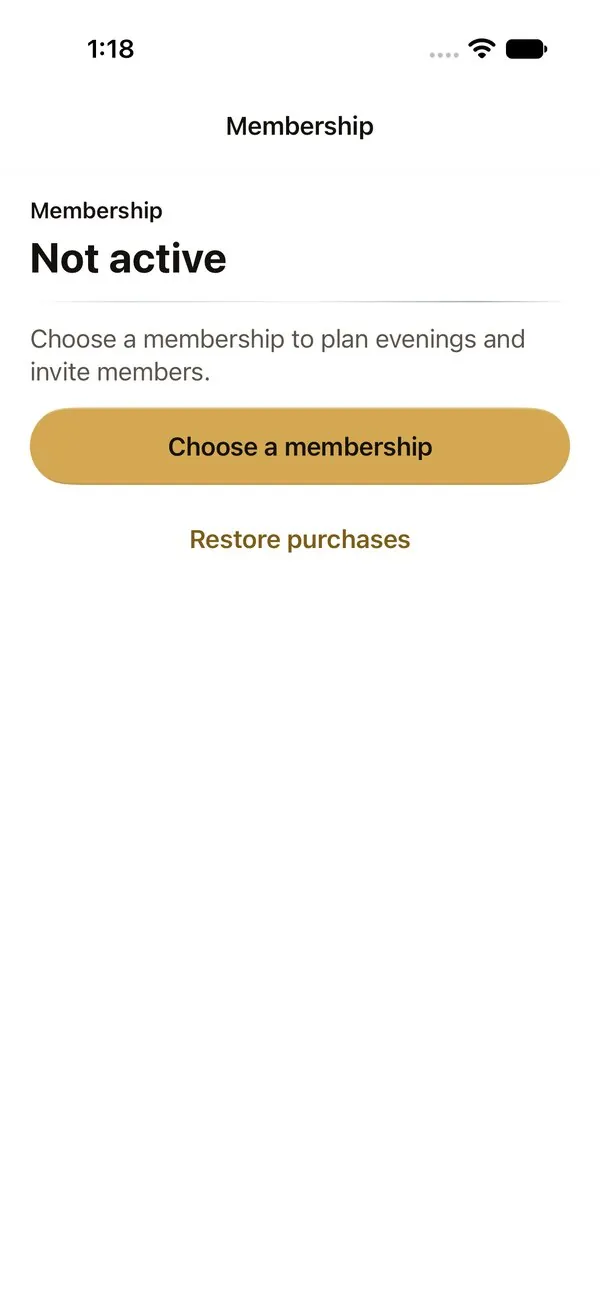
Only in the iPhone and Android apps. Payments are processed by the Apple App Store or Google Play.

  • iPhone
  • Android

How do I cancel my subscription?

Cancel through the store or billing provider that manages your membership. Access continues through the current paid period.

  • iPhone
  • Android

Can I get a refund?

Refund requests are handled under the policies of the Apple App Store or Google Play that processed the purchase, without limiting rights under applicable law. Contact support if you need help locating the transaction.

  • iPhone
  • Android

Still Need Help?

Our friendly team is here to help you with any questions

For general inquiries, you can also reach us at

support@silvergents.com
Email Support

Make room for something good.

Friendship, a date, or the beginning of a shared adventure. It starts with saying hello.

Join free on the web